The record your film
can't keep.

Now in BetaiPhone · Apple Watch · Mac

Phoslog is a logging-first app for film photographers. Record your time, location and exposure settings as you shoot, then write them to your scans on Mac. Your photos sort in your library by the moment you shot them, not when the lab scanned them.
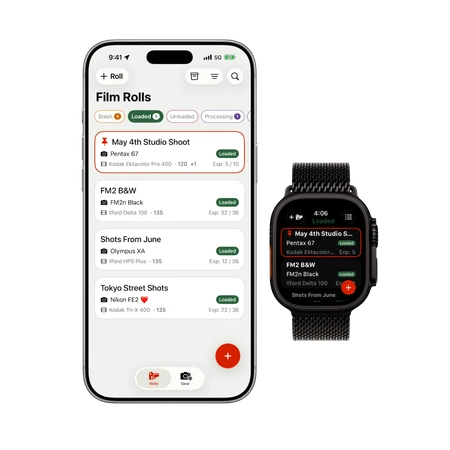
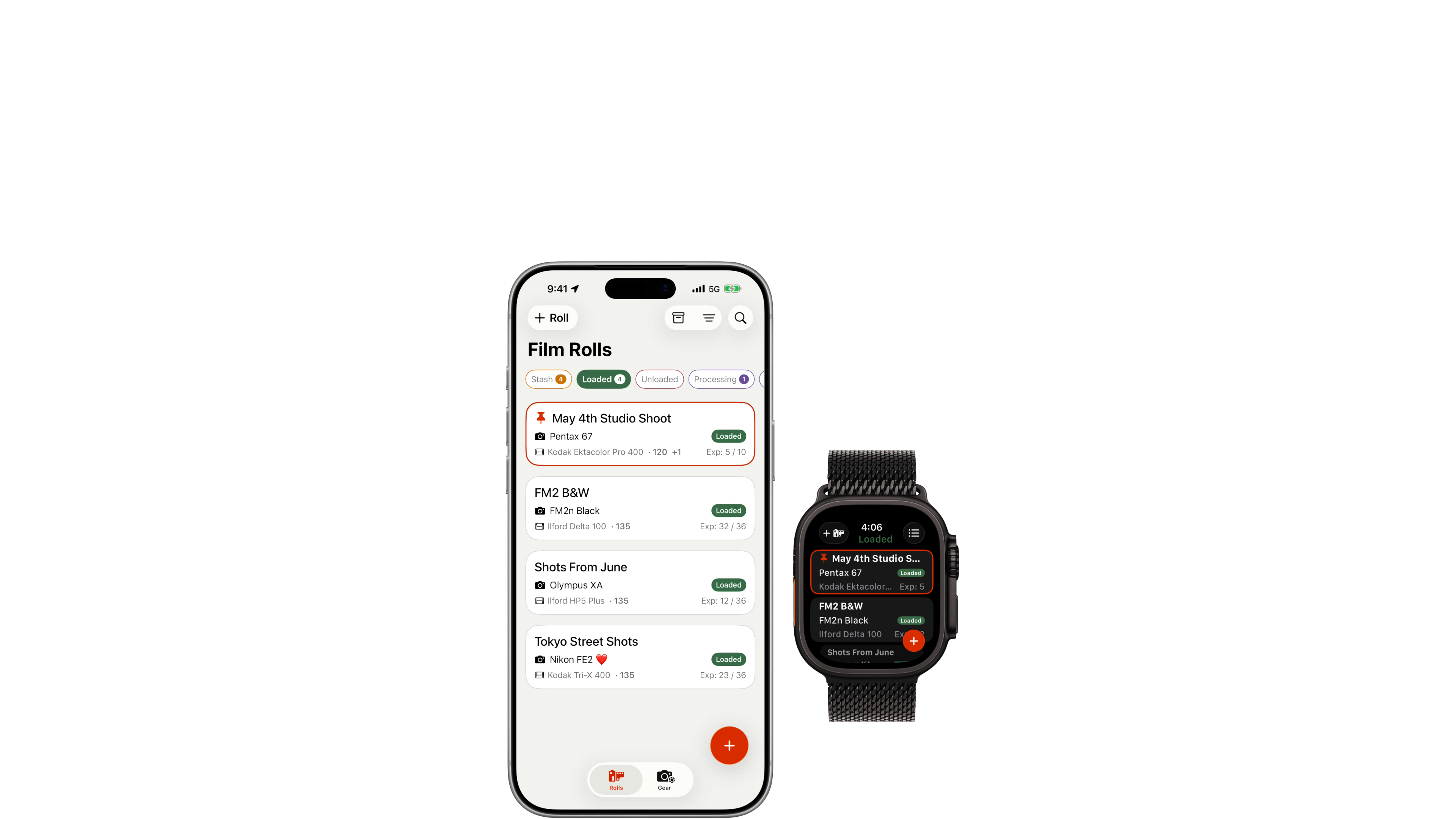
Phoslog on iPhone and Apple Watch
iPhone & Apple Watch
iOS 26 or later
Join the beta
Phoslog on Mac
Mac
macOS 26 or later
Download Free

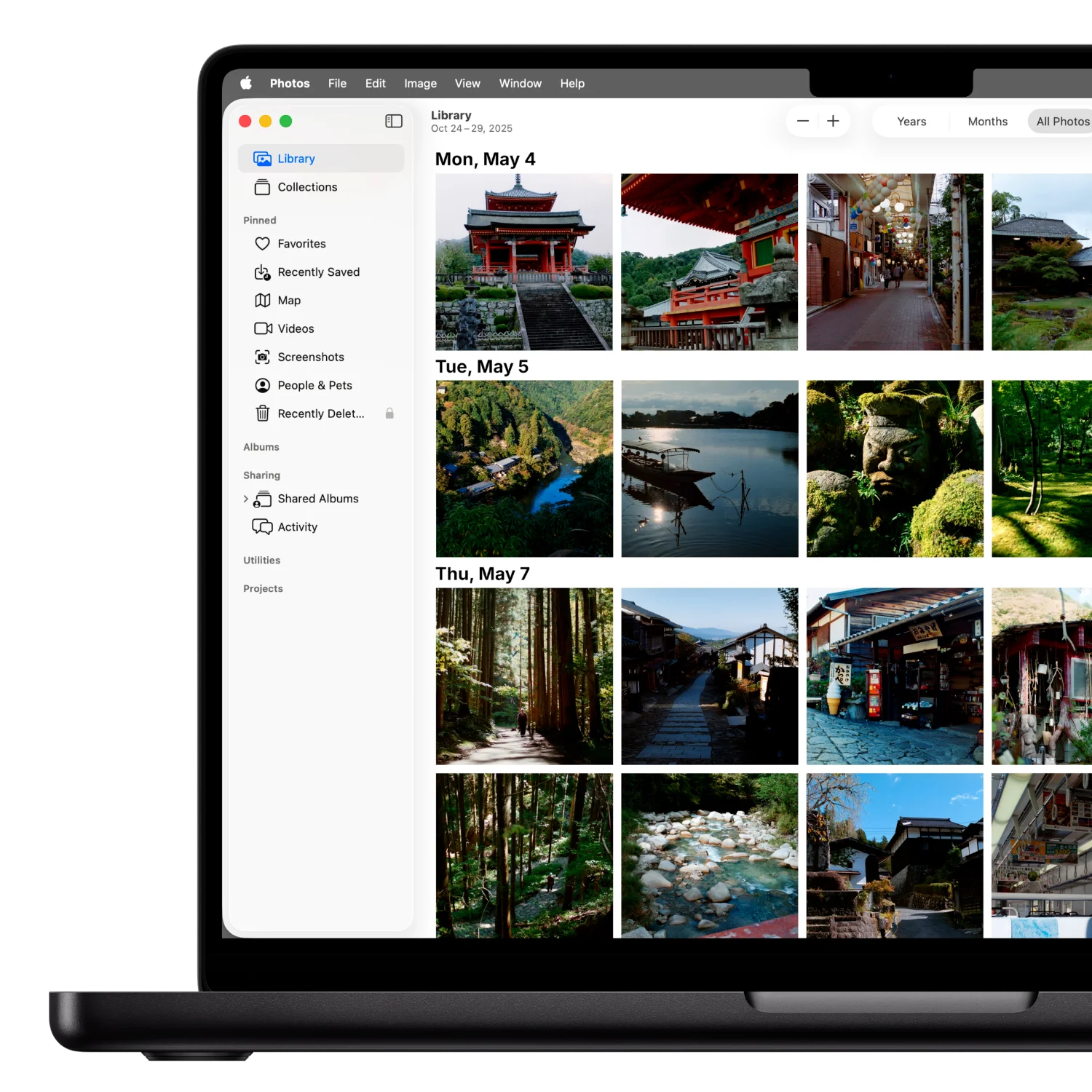
Every photo, where you expect it

Every photo knows its time, location and exposure info.

Your library sorts itself with rich metadata.

Logging & rolls

Log how you want

Soooo many options

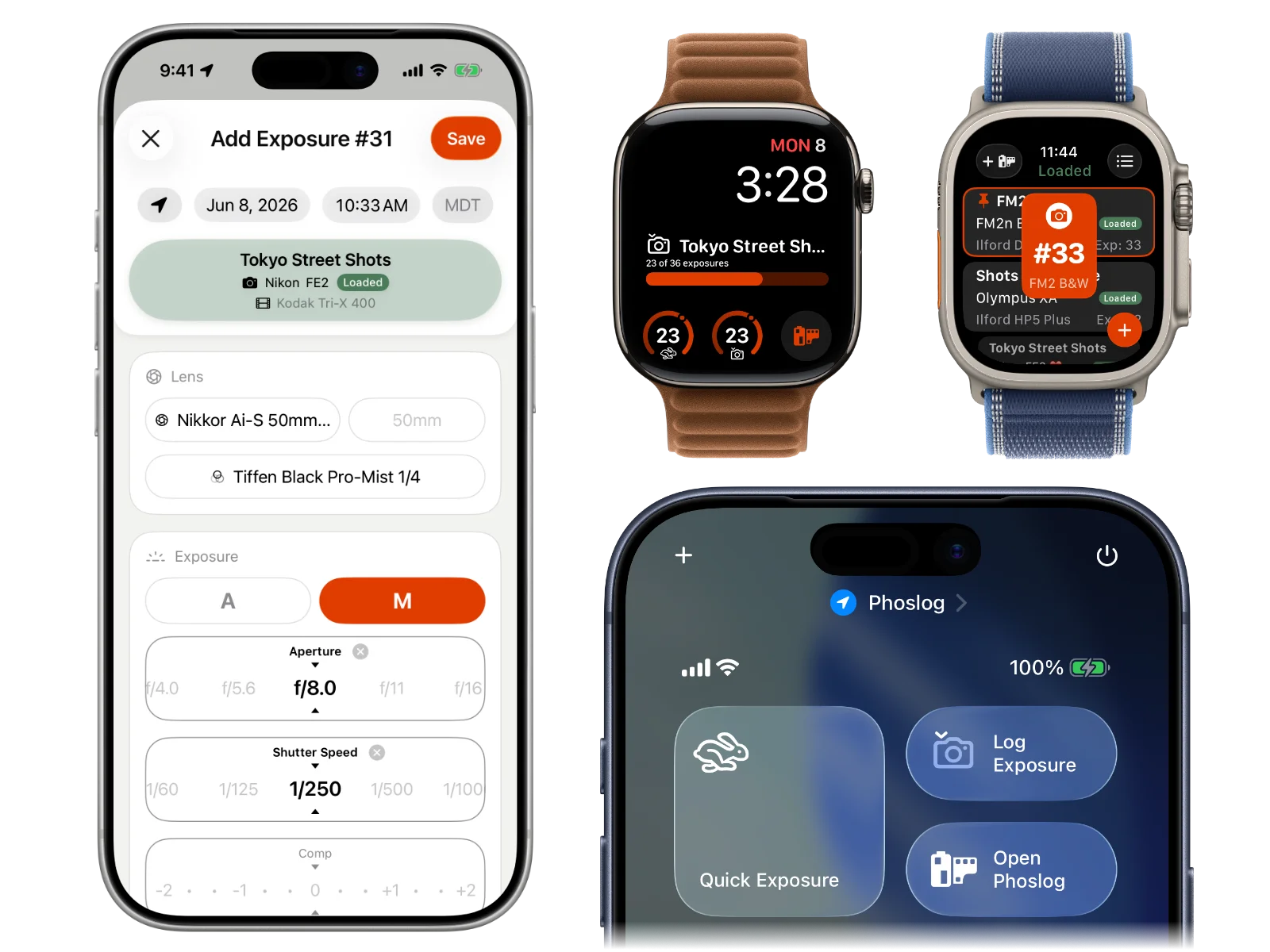
Phoslog gives you tons of ways to log an exposure, all built to keep it frictionless: less time on your phone, more time taking photos.

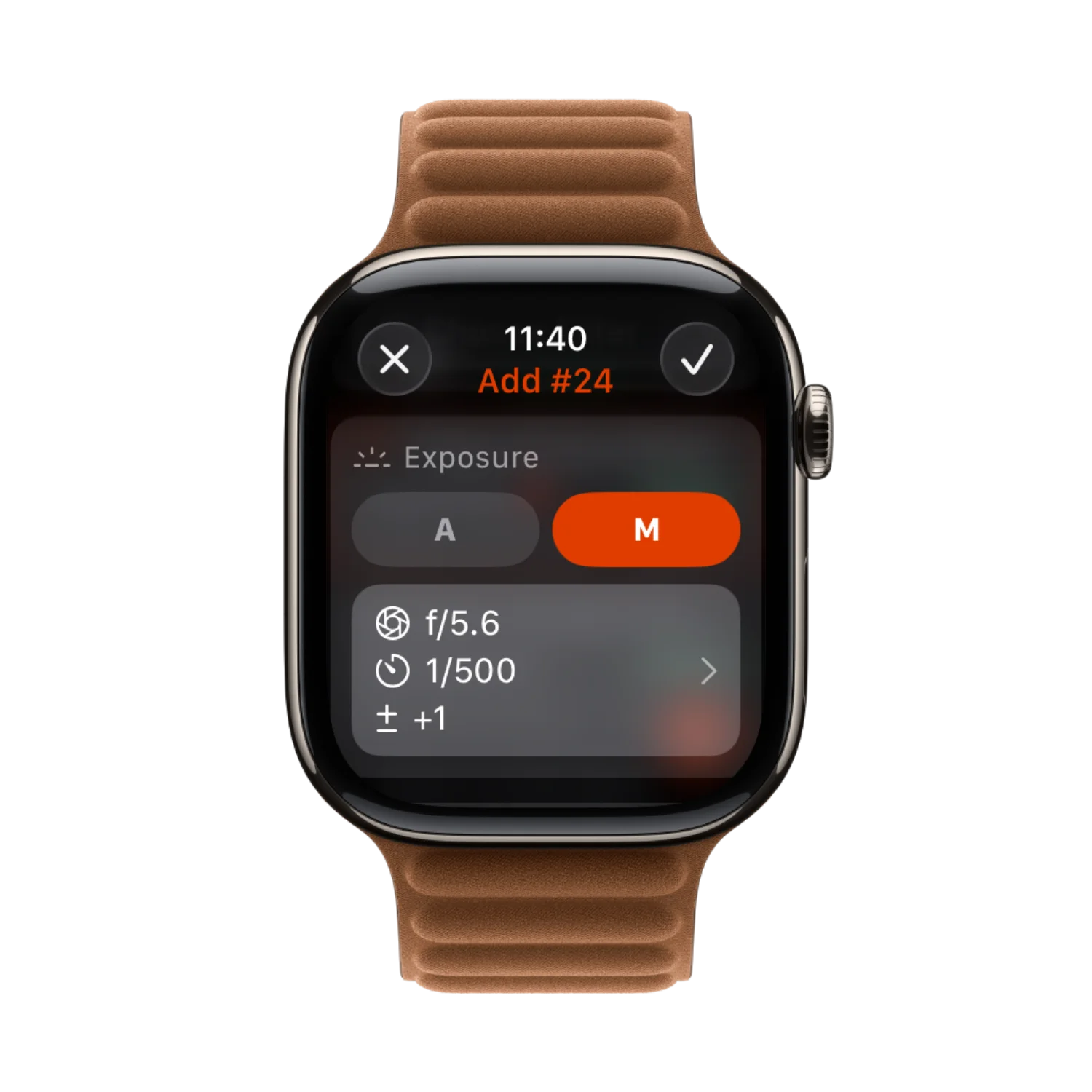
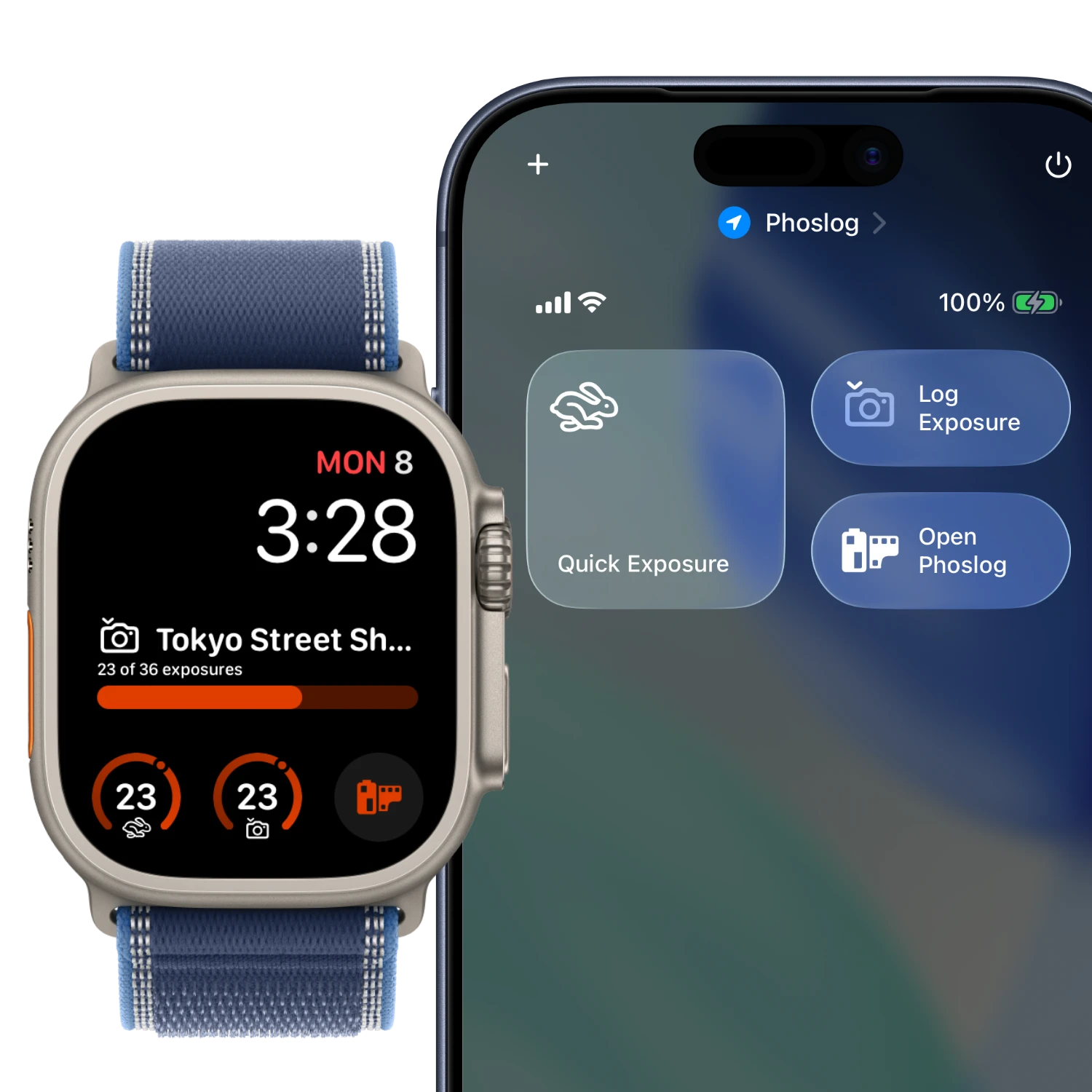
Hit the Action Button for a quick exposure or the full add-exposure sheet. Tap a watch face complication, or log straight from Control Center. And of course you can always open Phoslog the good old-fashioned way. The world…errr….app is your oyster. You've got options.

Ways to log an exposure in Phoslog

Pin a roll

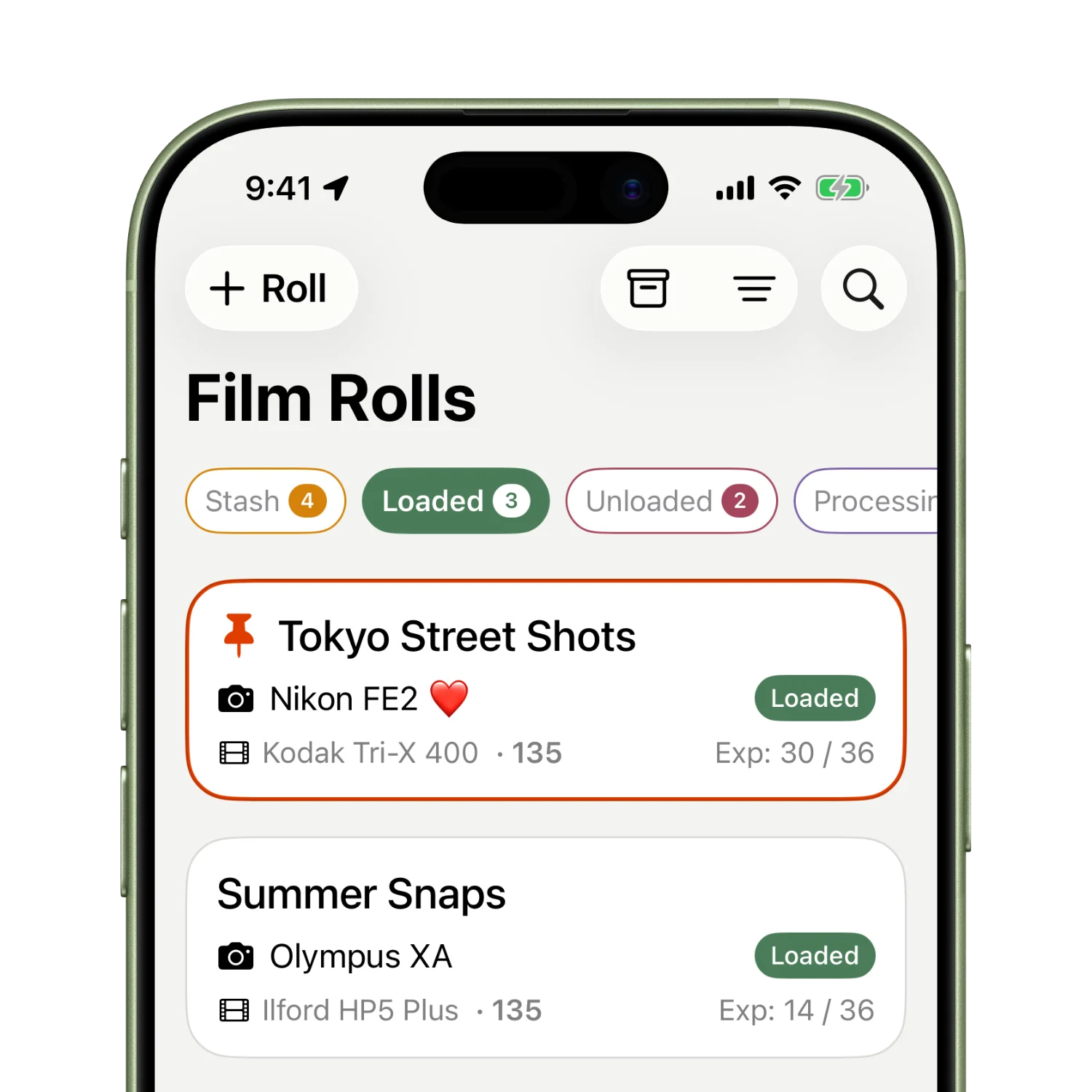
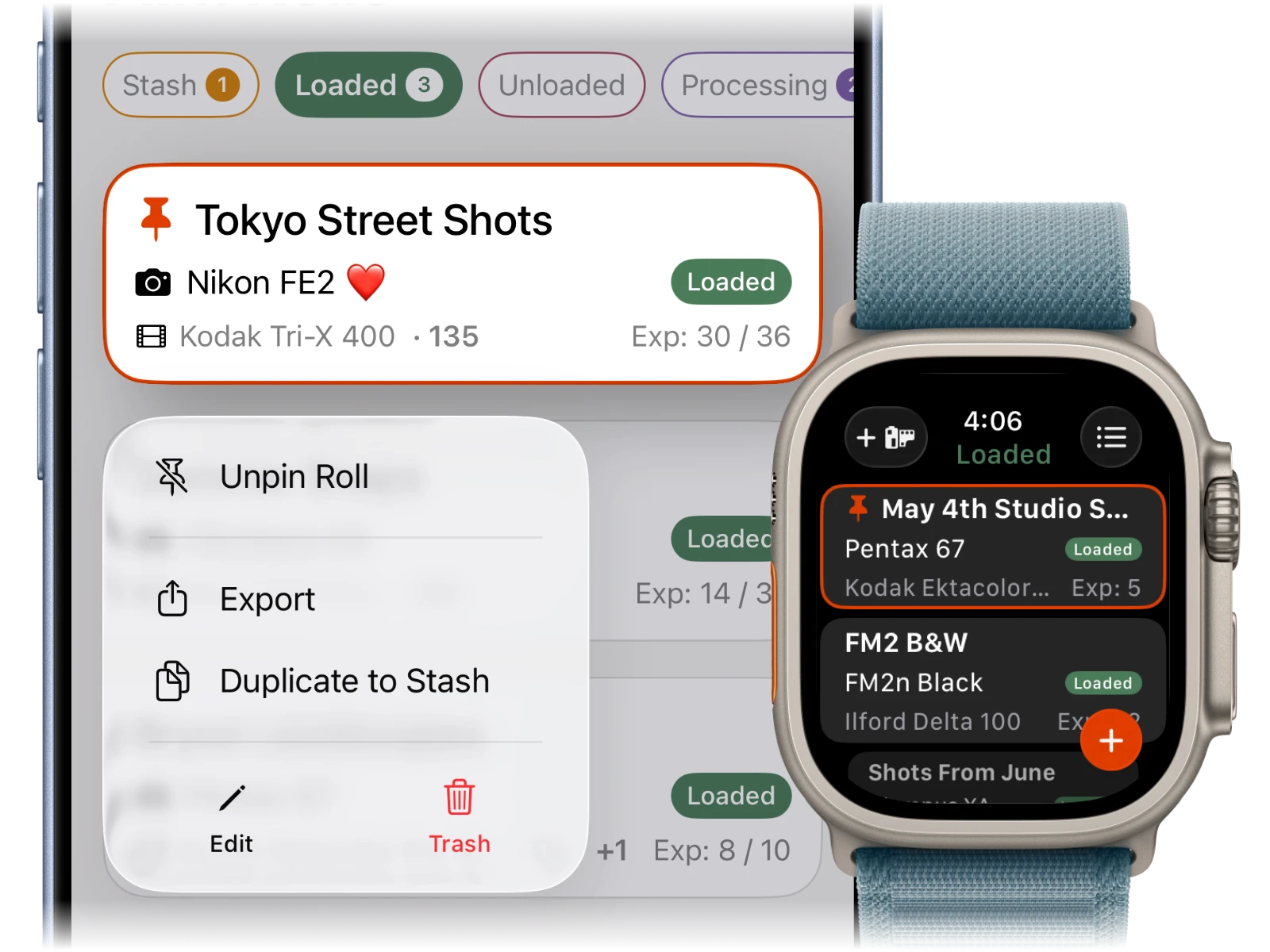
Pin a loaded roll on iPhone and Apple Watch to target that roll for Quick Exposure and Add Exposure controls, complications and the add button on the Home Screen. Otherwise Phoslog logs to the roll with the most recent exposure.

Pinning a roll in Phoslog

Keep track of your film

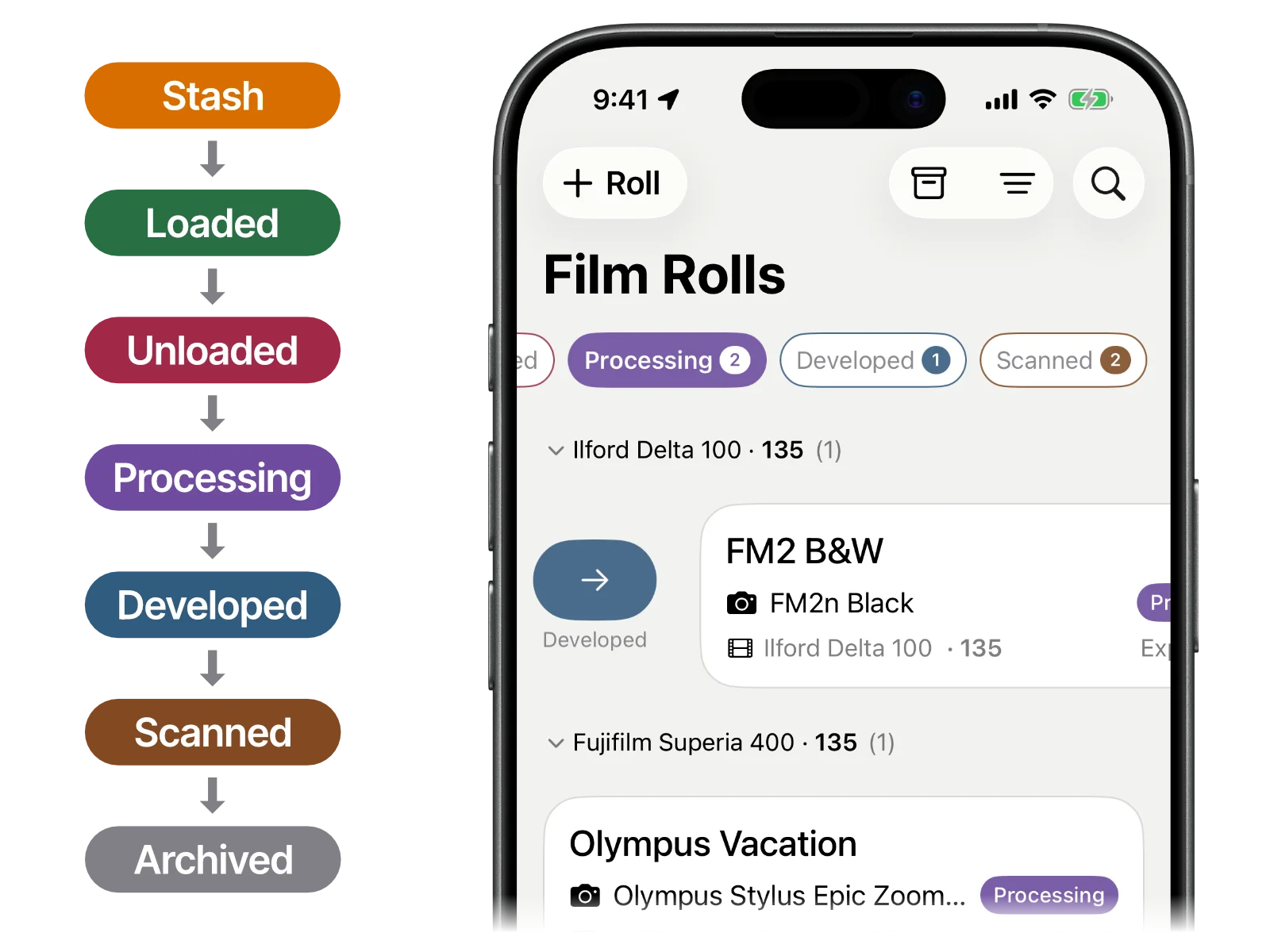
Preload all your rolls into stash before you start a shoot or head out on that next big trip. Swipe a roll to loaded and pick an available camera. Unload your film after you get done taking epic shots and keep track of every roll throughout its entire lifecycle.

When you are done scanning swipe all your rolls to archive where they are always available. Sort, filter and search to find exactly the roll or exposure you are looking for.

Keeping track of your film rolls in Phoslog
Export & metadata

Your data set free

Take your data anywhere

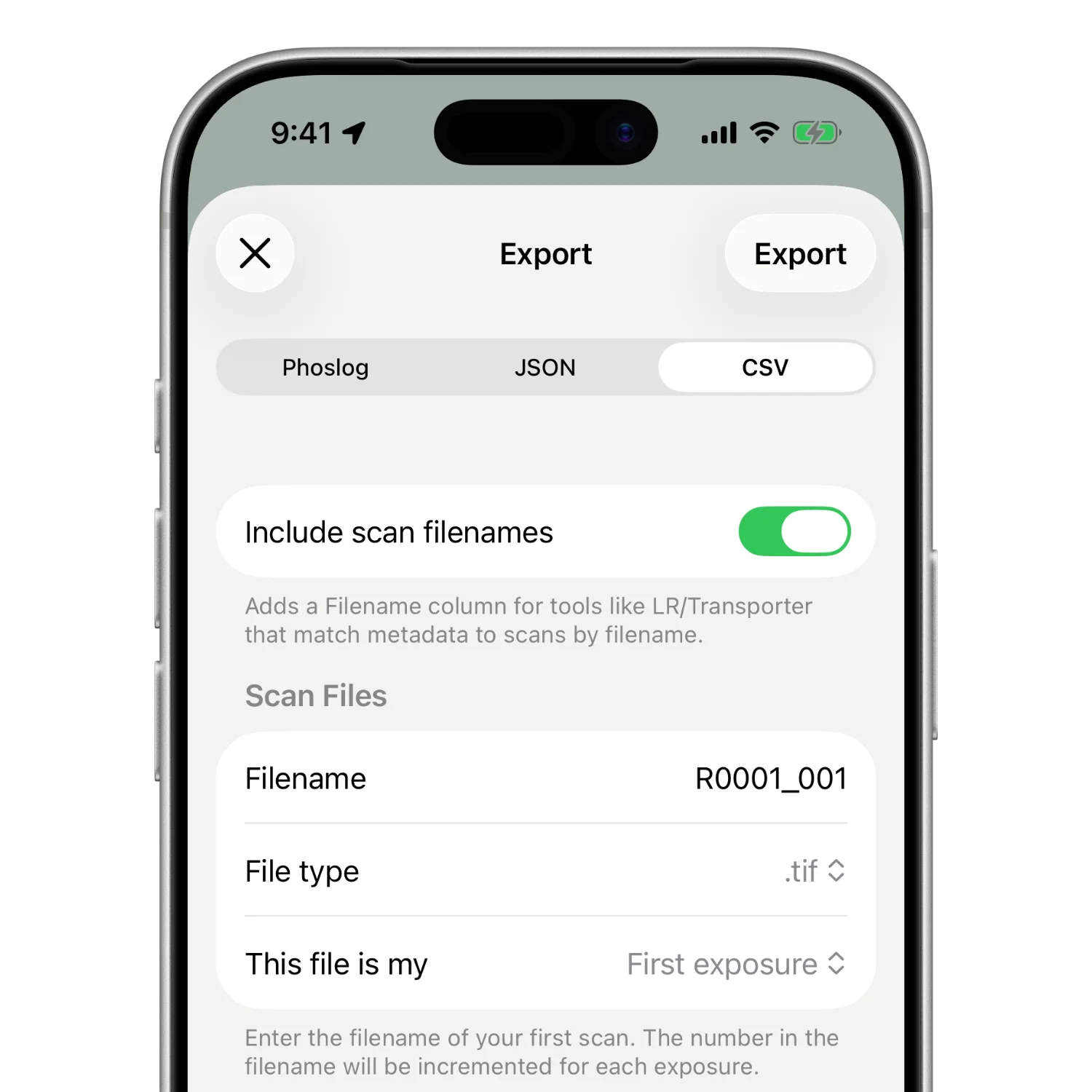
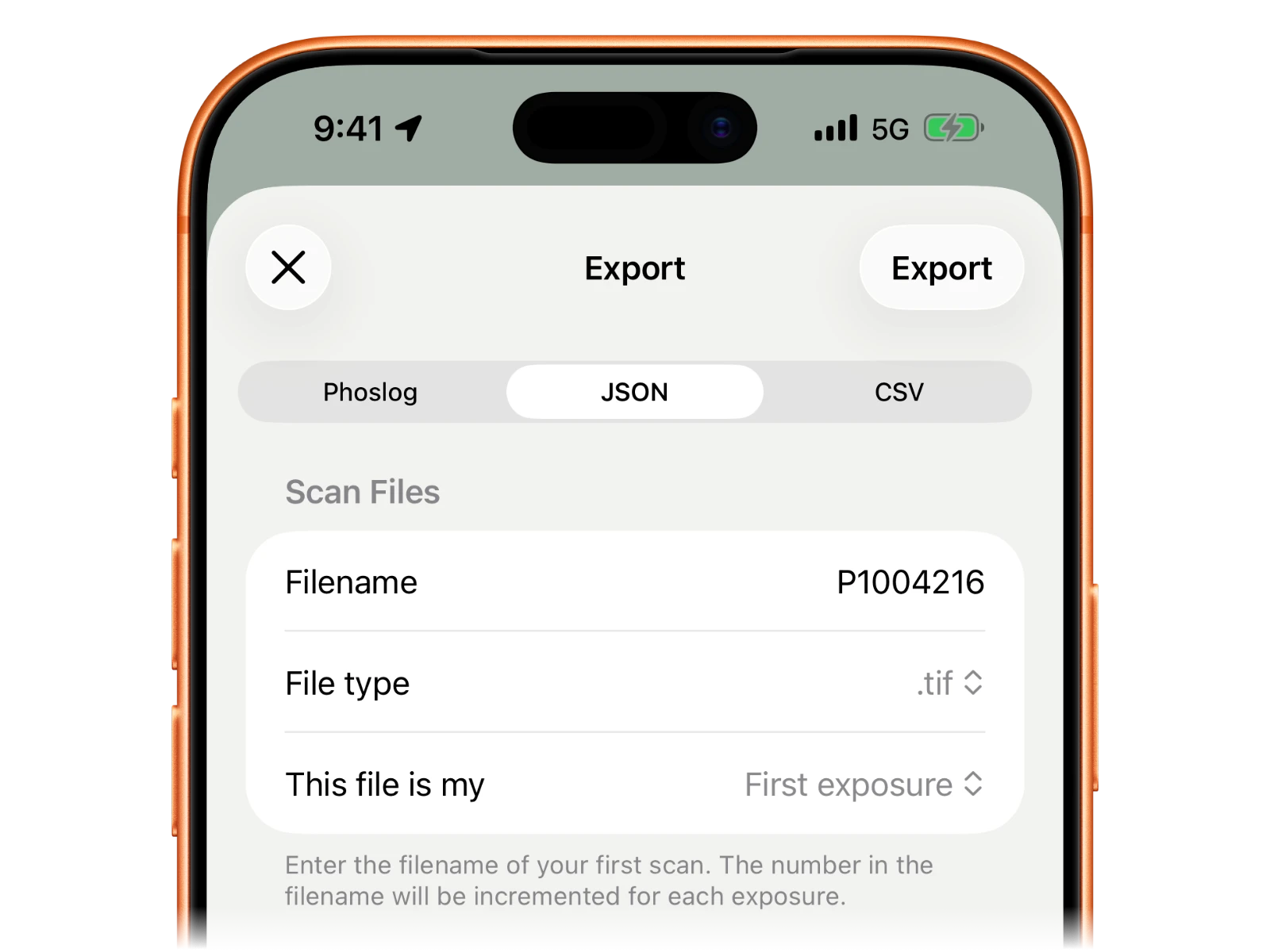
Export a .phos file for seamless integration into Phoslog Desktop, where you can pair and write metadata to the correct film scan.

Use the ExifTool-compatible JSON export if you have an established workflow and don't like change. I think Phoslog Desktop is pretty slick, but sometimes change is hard. I get it.

For the spreadsheet junkies among us, export your rolls and exposures as a CSV and VLOOKUP to your heart's content.

Exporting your data from Phoslog

Write it to your scans

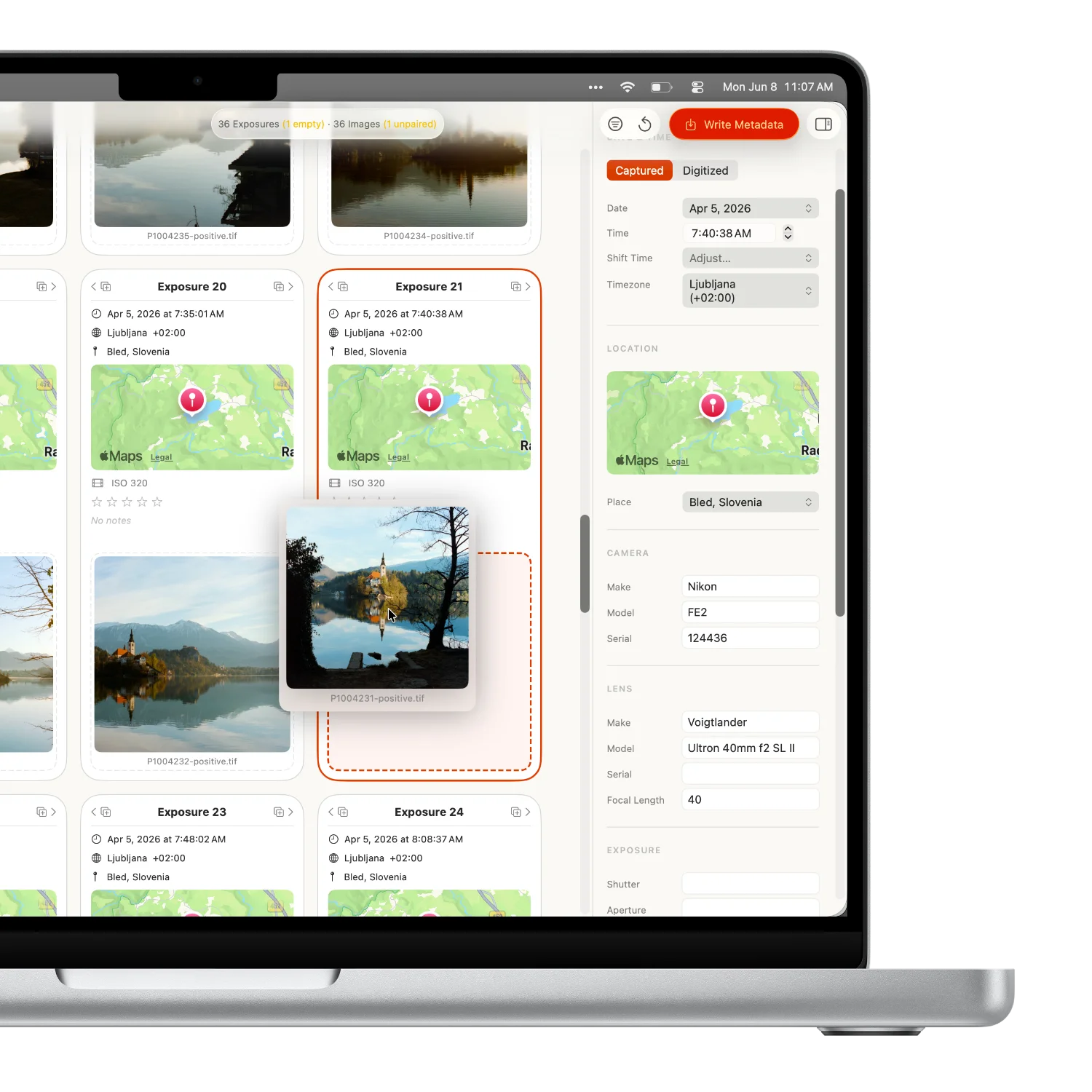
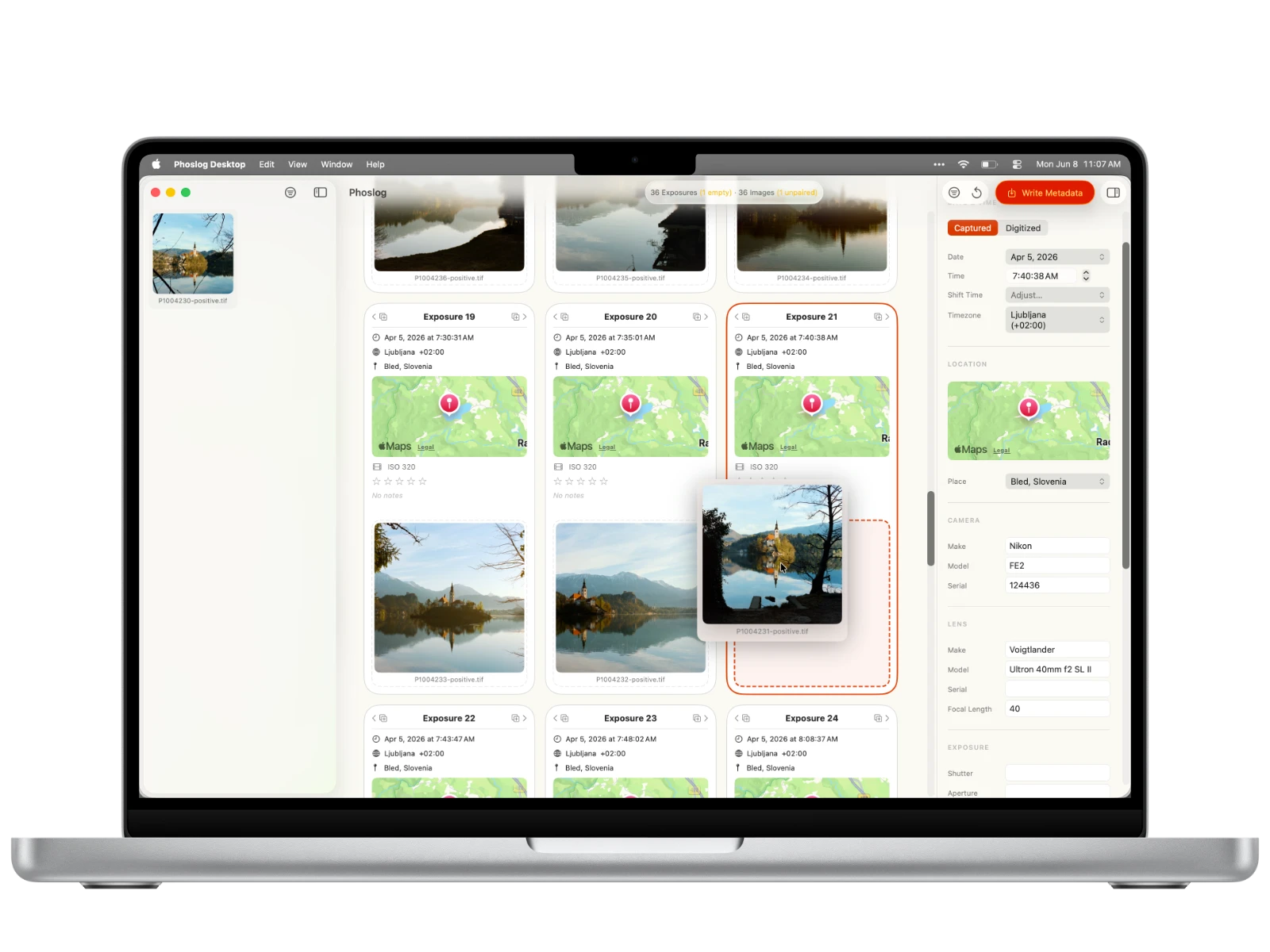
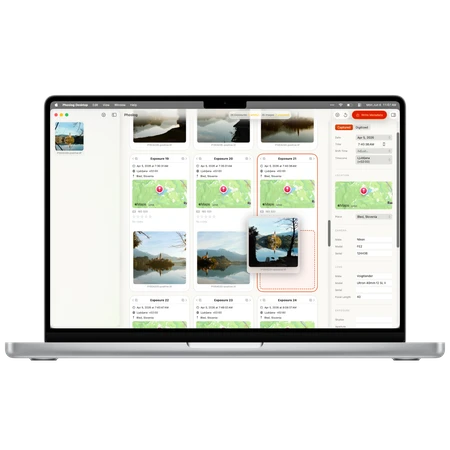
Use Phoslog Desktop to write your logged exposure data straight into your film scans. Drag in a .phos export or any ExifTool-compatible JSON as the source, point it at your folder of scans, and hit pair.

If you nailed it, you're done. If something's off, you can shift and drag images into place, or duplicate an exposure when you need to, then fine-tune details from the side panel.

Your squeaky-clean data writes to a fresh set of images wherever you choose. Your scans are copied pixel-for-pixel, so the quality is exactly as you scanned it. Your originals are never touched.

Writing metadata to scans in Phoslog Desktop
Gear

Your whole kit, in one place

Keep track of your gear

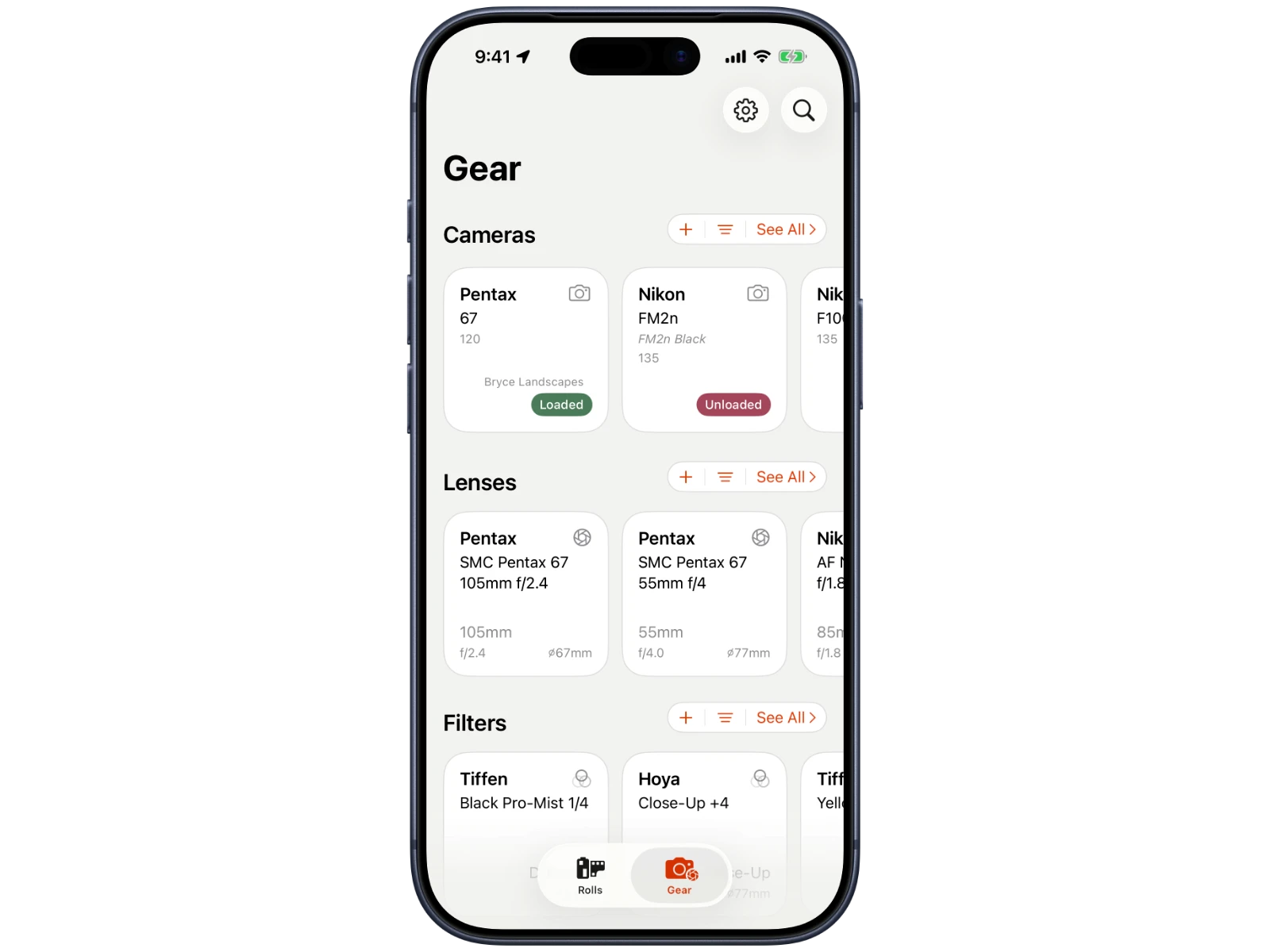
Add cameras, lenses, and more to Phoslog. Keep track of which camera is loaded with which roll. Know exactly which lens shot every exposure. Sort, filter and search by make, model, lens mount, and more.

Tracking your gear in Phoslog

Phoslog reflects real life

Phoslog relies on accurate gear input to make logging as frictionless as possible. What does this mean? It only shows you options that reflect what your gear can actually do.

If you are logging an exposure with your Nikon FE2 and Voigtländer 40mm Ultron SL II, Phoslog is only going to show you exposure modes, aperture values, and shutter speeds that are available for this camera/lens combo. No slogging through an endless list of aperture or shutter speed values.

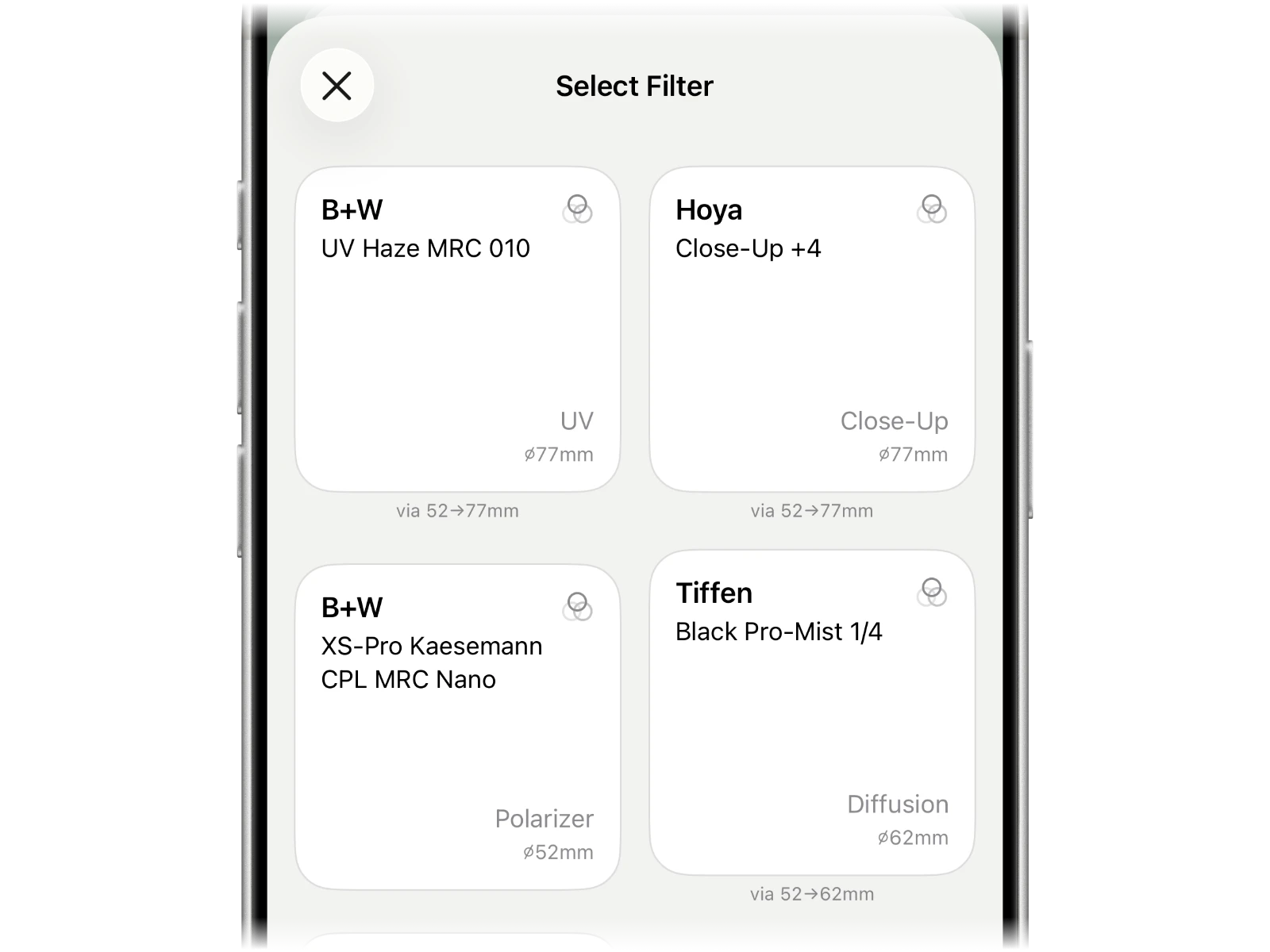
The whole app works this way, from selecting a filter with a step ring to loading a roll into an available camera.

Phoslog showing only options your gear supports
And more